B&N Pro Membership

Vlogs • Racing • Fastener LifeDocumenting the B&N Racing team
AndyThe Bolt Guy
Vlogs from the shop and the track — documenting the B&N Racing team, the car builds, the wins, and the fastener business behind it all. Watch the drops, grab the merch, join the Bolt Fam.
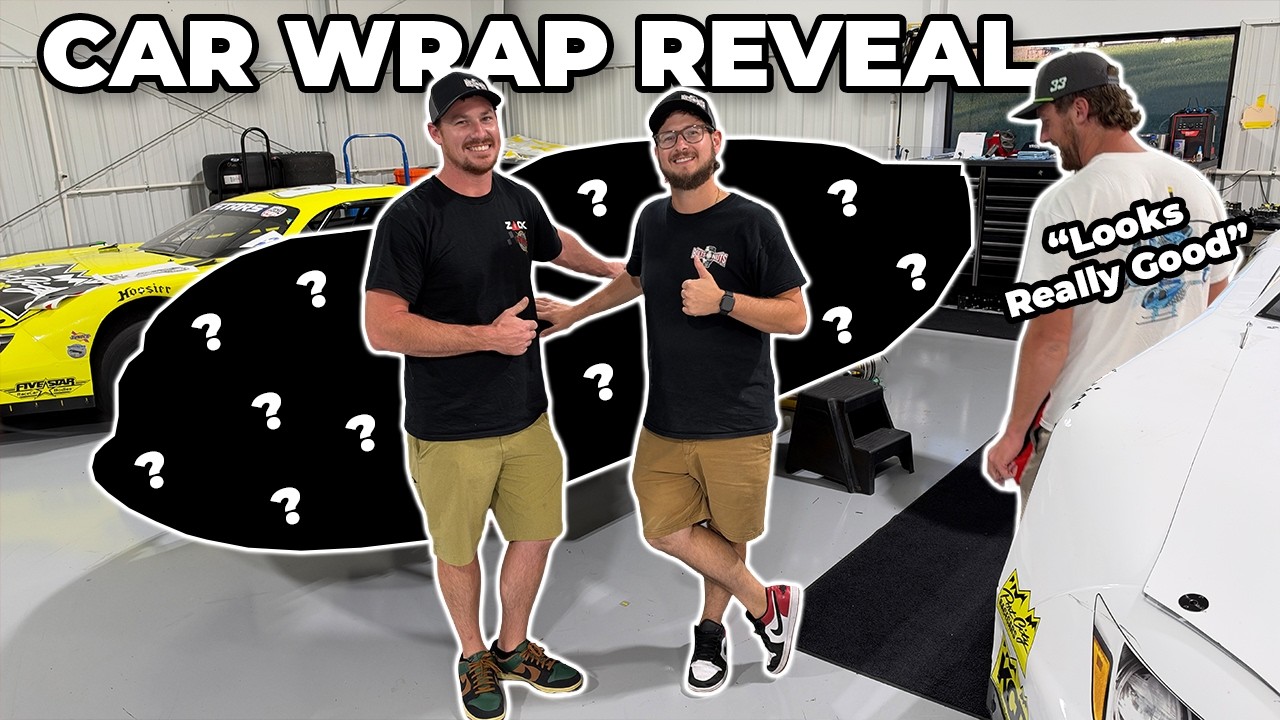 Latest Drop
12:37
Latest Drop
12:37
Latest Drops
All videos →
Watch & Ride Along
Fresh from the shop and the track. Tap any video to play.
 12:29
12:29
They Damaged My Property… So We Tracked Them Down
12K views · Oct 12, 2026
 30:58
30:58
We FINALLY Saw the Race Car I Bought for Zack Walker
193K views · 2 weeks ago
 12:28
12:28
I Built a LIVE SELLING STUDIO From Scratch… Then Made My First Sale
2.6K views · 1 month ago
 8:30
8:30
I Bought a Race Car for Zack Walker… This Is How It Happened
257K views · 1 month ago
 18:42
18:42
We've Come a LONG Way! History & Tour of My Fastener Business
62K views · 1 month ago
 26:10
26:10
I Went SXS Riding With Zack Walker… We BROKE a Lot
70K views · 1 month ago
The Merch
Shop all merch
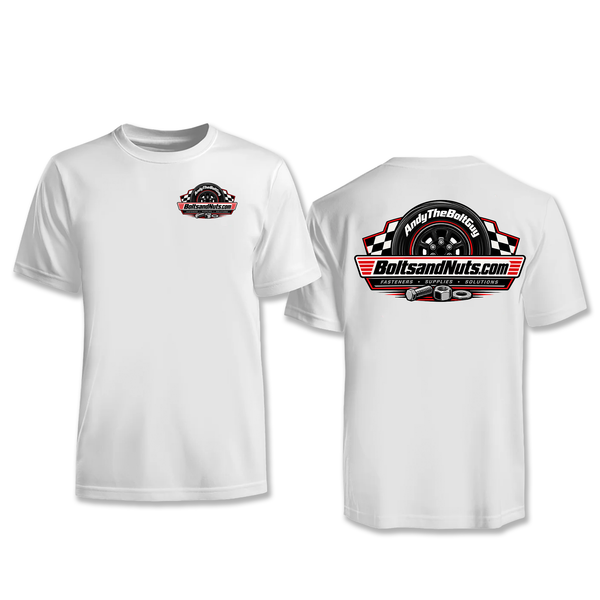
Rep The Bolt Guy
Shirts, hats, and shop gear built as tough as the content.
Join The Bolt Fam
Hit subscribe, turn on the bell, and never miss a drop — vlogs, the race team, and everything we build along the way.